Seedream 5.5 AI Image Generator
SeedreamV55 — an independent Seedream 5.5 image generator.
Transparent PNGs, posters with readable text and lifelike detail — from one prompt, at 1K to 2K.
- Transparent RGBA
- Small & dense text
- Lifelike detail
- Multi-round editing
Sign up free and get 5 images · No credit card · Works in any browser, desktop or phone · Nothing to install
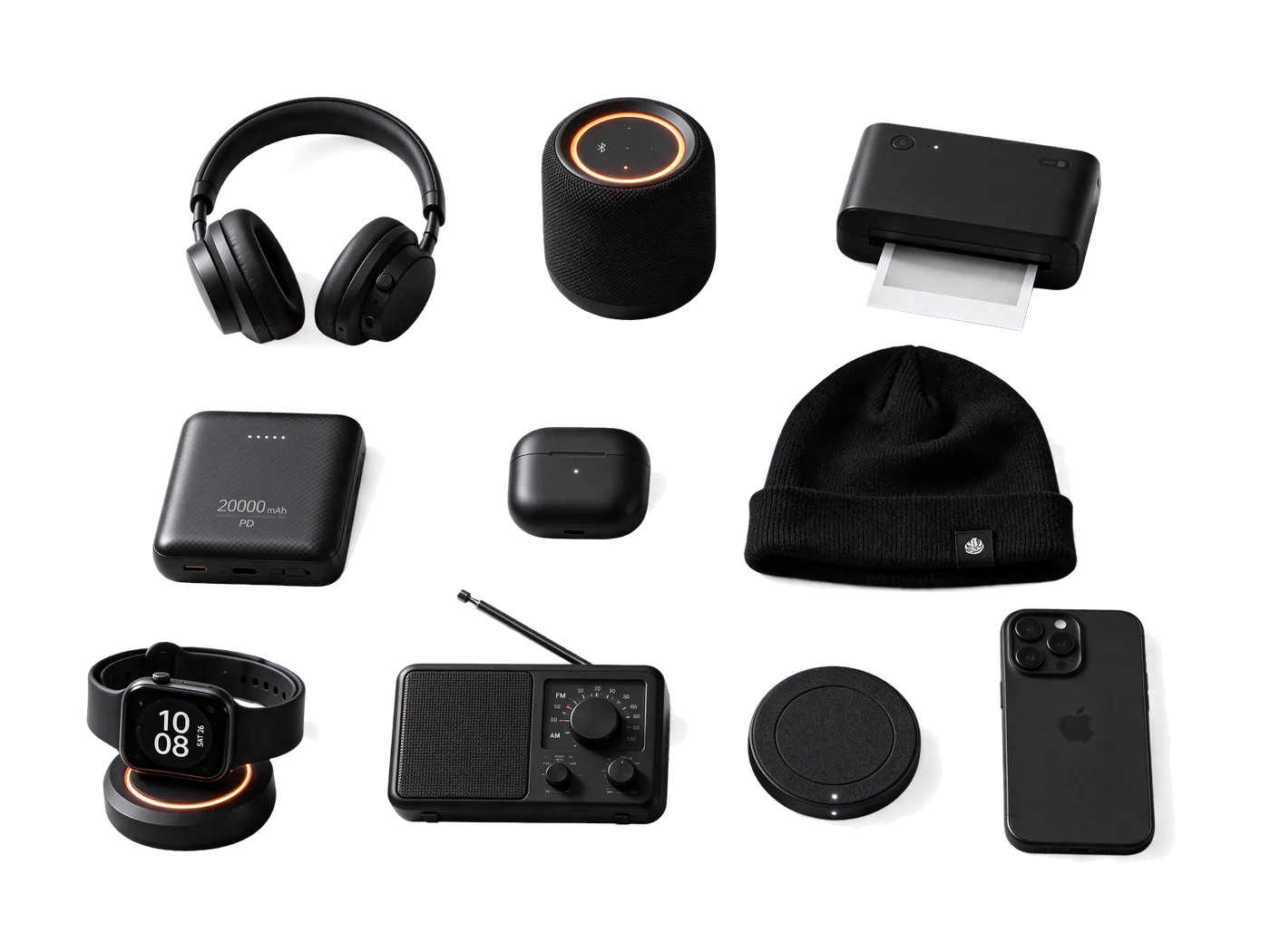
At a glance
What is Seedream 5.5?
Seedream 5.5 is the image model ByteDance Seed released on November 9, 2026. It renders a native transparent background (RGBA PNG, no separate cut-out step), handles small and dense text better than Seedream 5.0 Pro, and gives more natural light, skin and materials, according to ByteDance Seed. Here you can use it from one prompt at 1K, 1.5K or 2K, in any browser on desktop or phone.
Every image on SeedreamV55 is generated by Seedream 5.5 (model ID bytedance/seedream/v5.5). The examples below are its outputs, unedited apart from resizing.
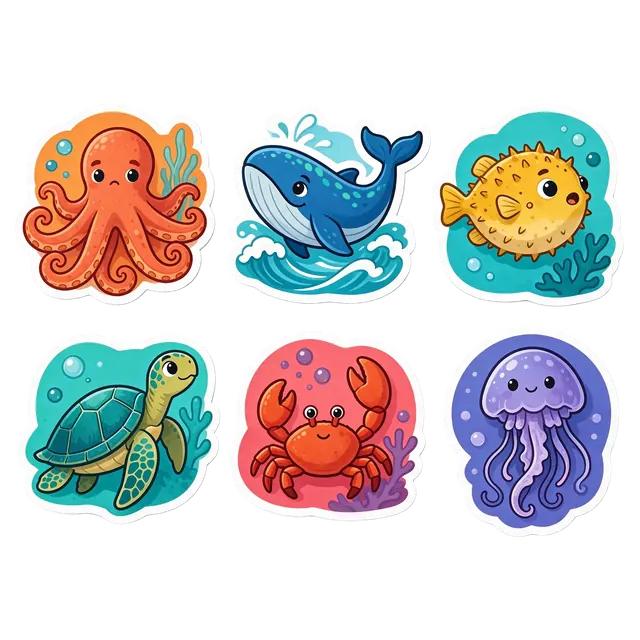
RGBA
Native transparent PNG
1K–2K
Three output sizes
Up to 4
Images per run
20
Credits per 1.5K image
Start from a prompt
One prompt, one finished image
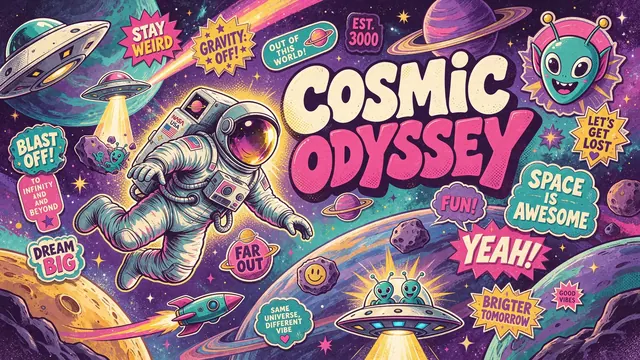
Maximalist poster
Retro-future maximalist poster titled "COSMIC ODYSSEY" in bubbly hand-lettering, a cheerful astronaut among planets and UFOs, dozens of small hand-lettered sticker phrases, saturated purple, teal, hot pink and yellow, halftone texture.

Cinematic scene
Cinematic photograph of a couple slow-dancing in a crowded smoky jazz bar at night, emerald satin gown, saxophonist on a small stage, warm amber stage lights, 35mm film look.

Candid film still
Candid 35mm film still inside a car: a woman in a novelty foam cheese hat happily eats pickles from a jar while the driver stares at her in disbelief, natural light, slight film grain.
Features
What Seedream 5.5 does well — shown with our own outputs
Every image on this page was generated by us with Seedream 5.5, unedited apart from resizing.
01 · Available
Native transparent background
Switch on Transparent and the model returns an RGBA PNG — a real alpha channel, no separate background removal. Drop product shots, stickers and icons straight onto any layout.
More on transparent backgrounds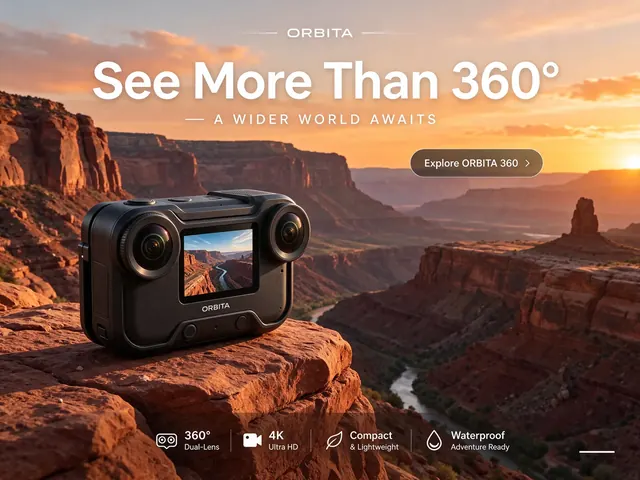

02 · Available
Small and dense text that stays readable
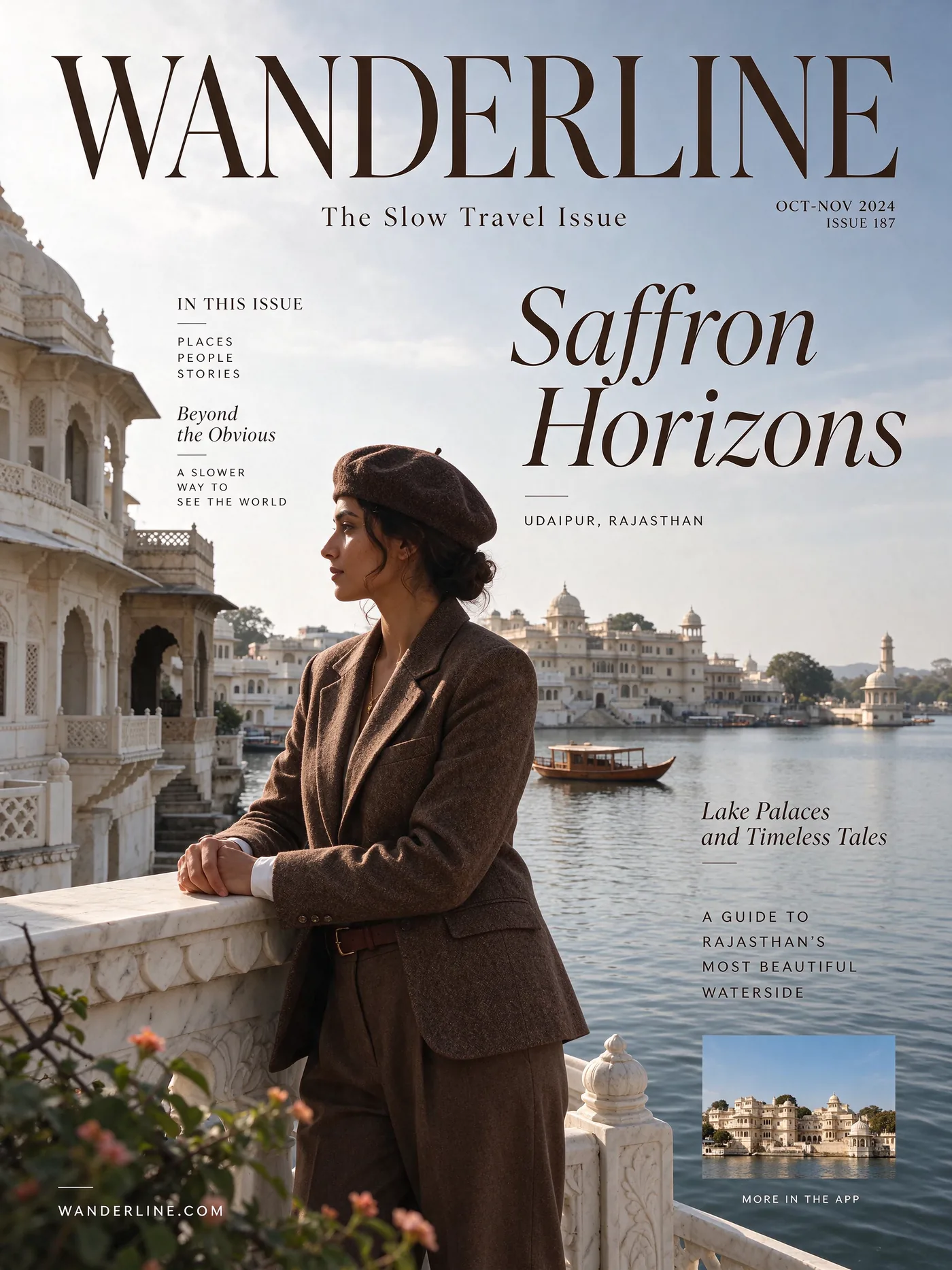
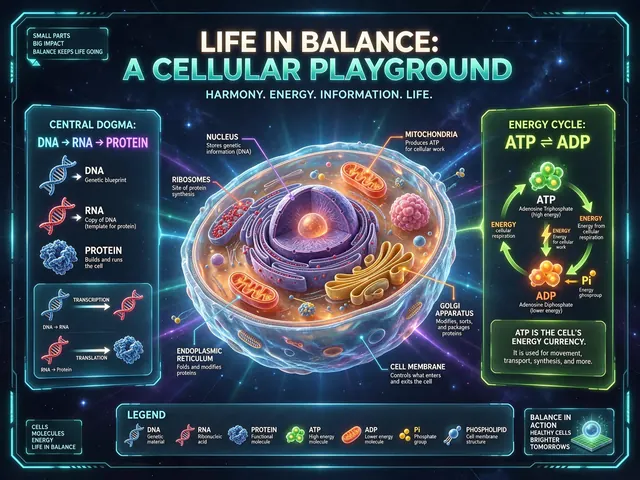
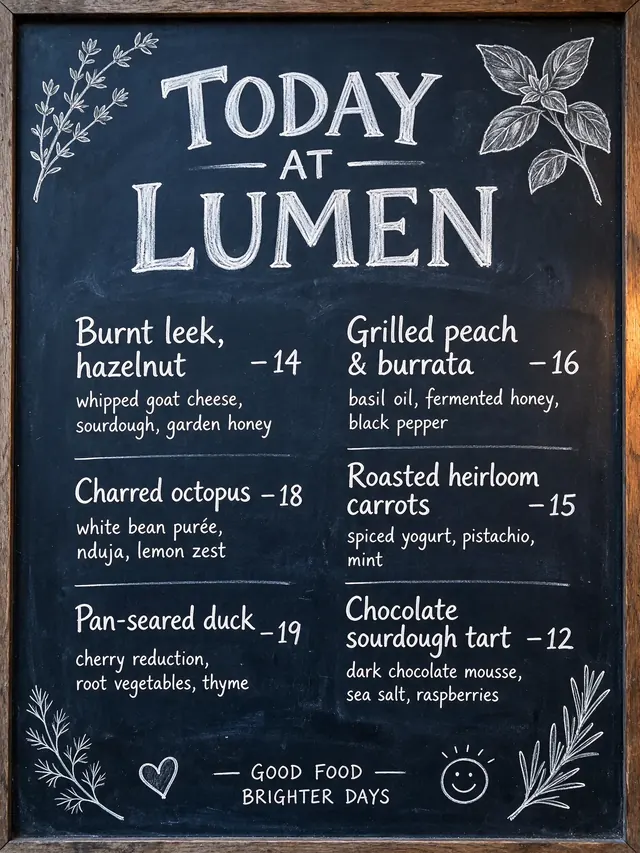
Put the exact words in quotes. Mastheads, captions, labels and menus come out spelled right far more often than with Seedream 5.0 Pro — including mixed scripts like English, Chinese and Japanese on one poster.

03 · Available
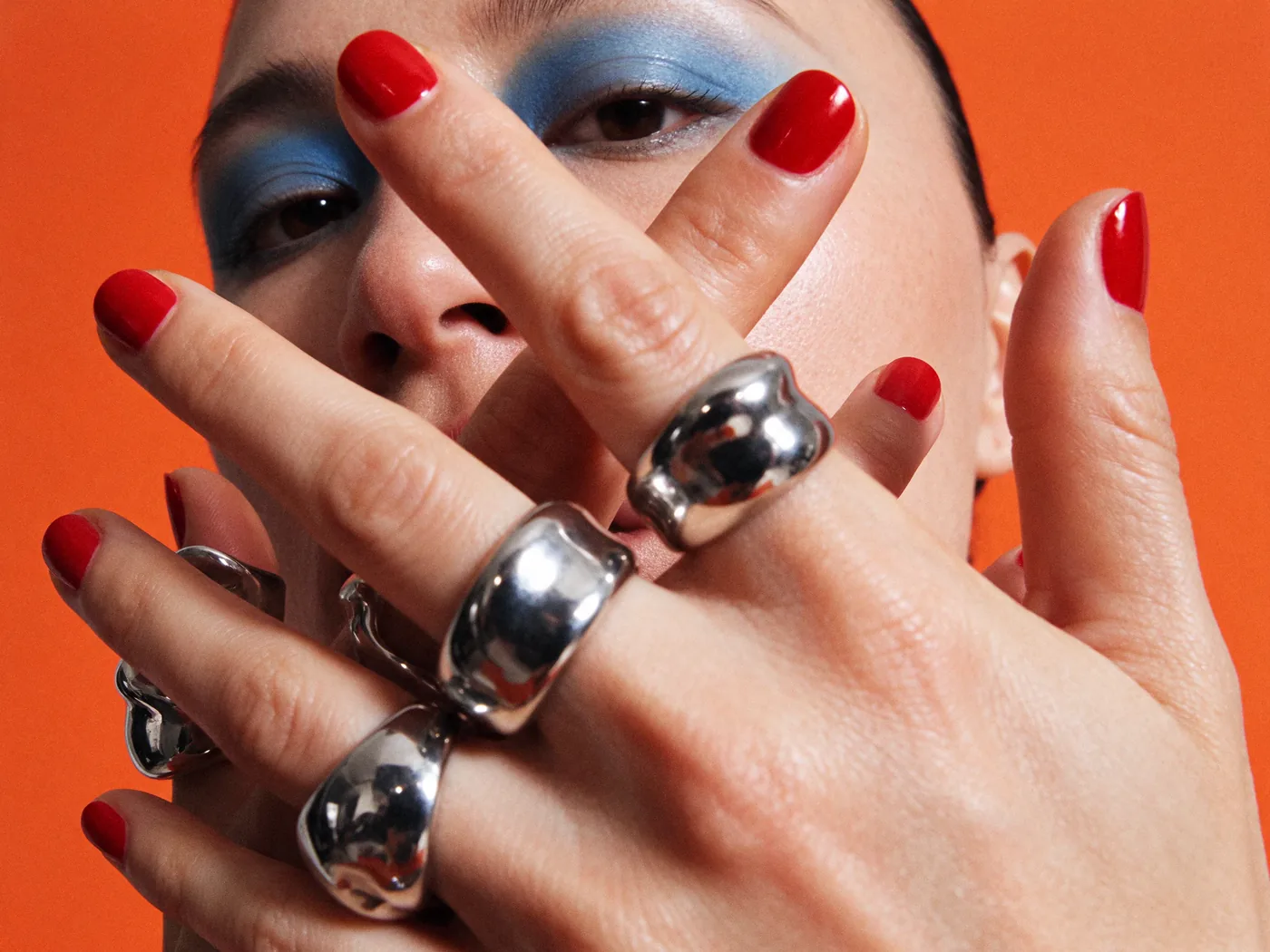
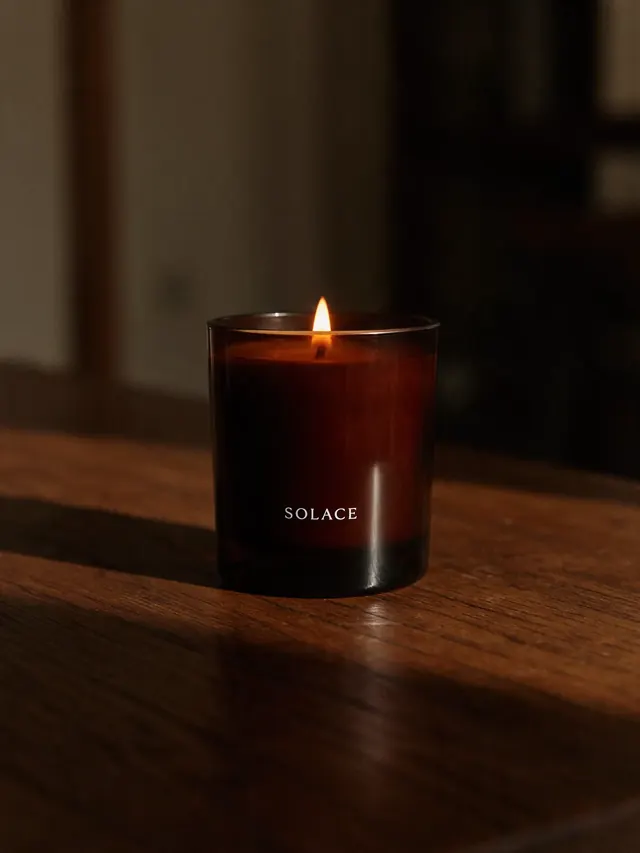
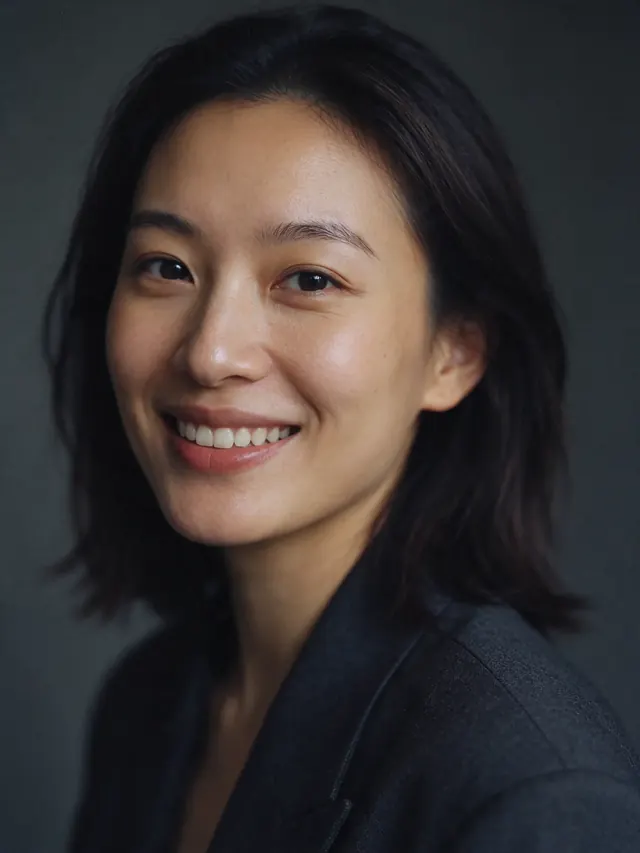
Lifelike light, skin and materials
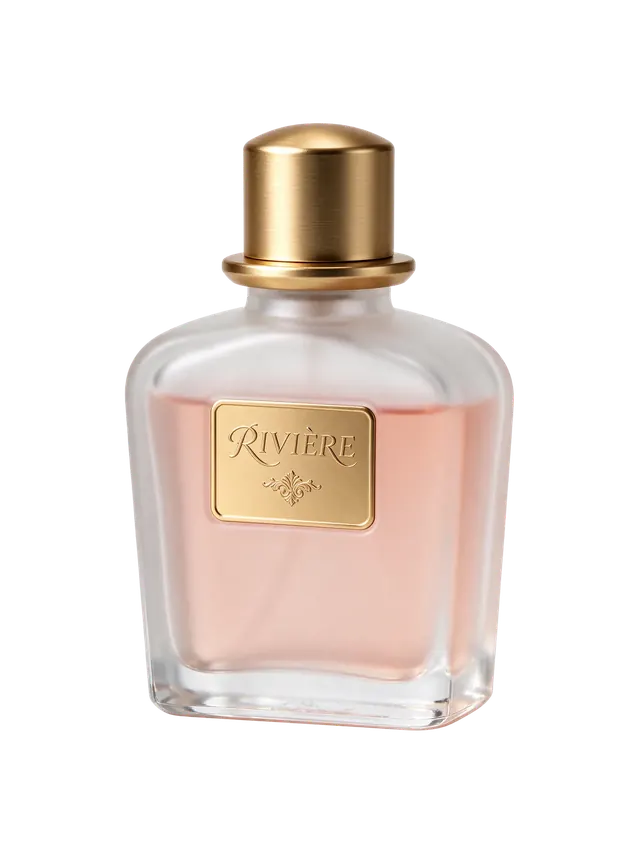
Polished metal, wax, glossy nails and natural skin texture hold up when you zoom in — useful for product shots, portraits and editorial work.

04 · Multi-round editing
AvailableEdit one thing at a time, keep the rest
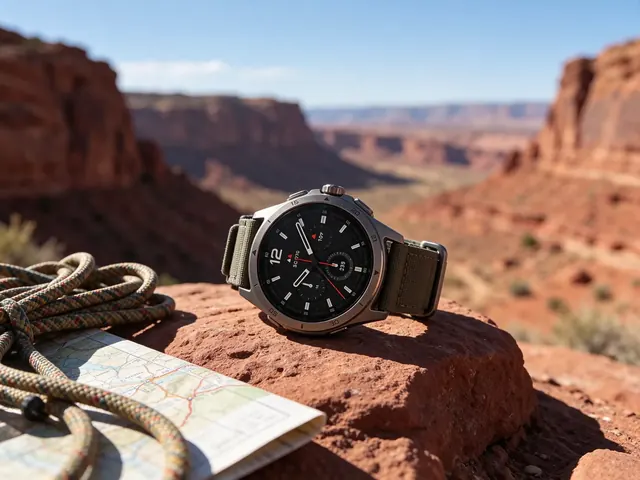
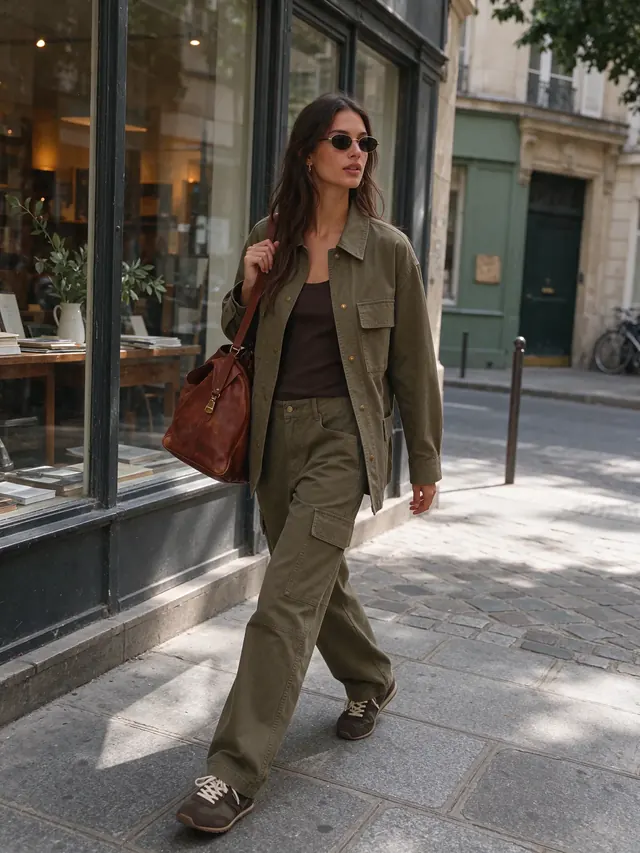
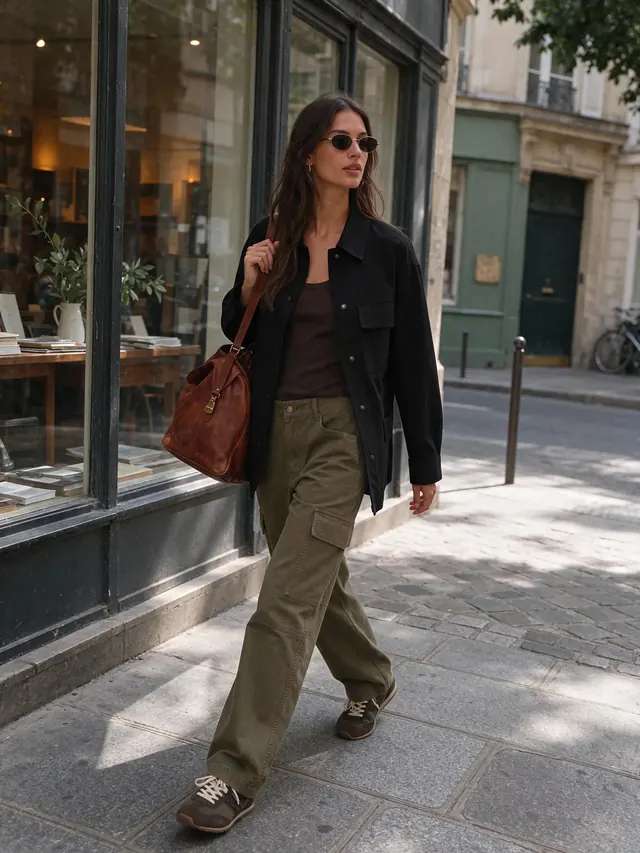
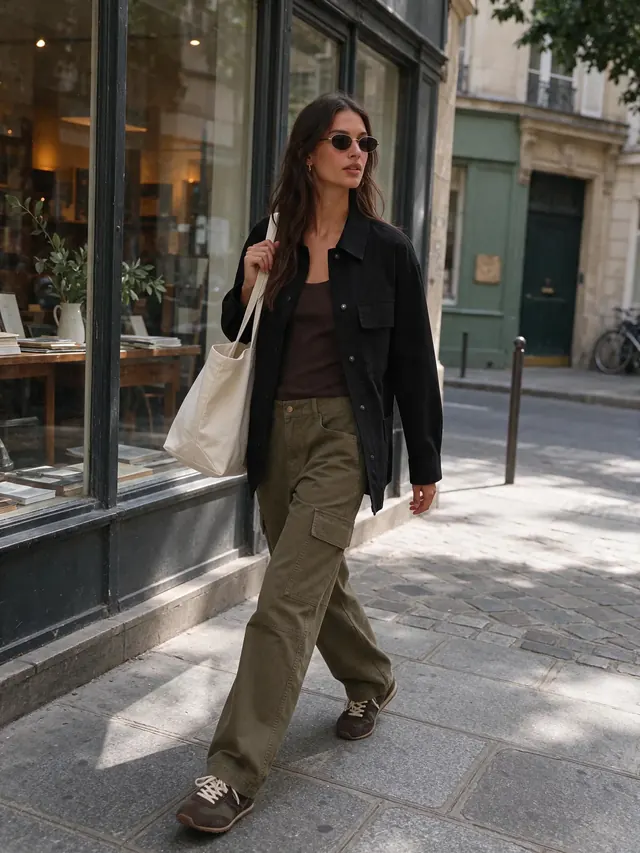
Seedream 5.5 keeps an image stable across up to 100 rounds of edits, per ByteDance Seed. Here, click “Edit this image” under any result, describe one change, and repeat — or upload your own photo. Each round costs a normal run plus 8 credits for the reference image.

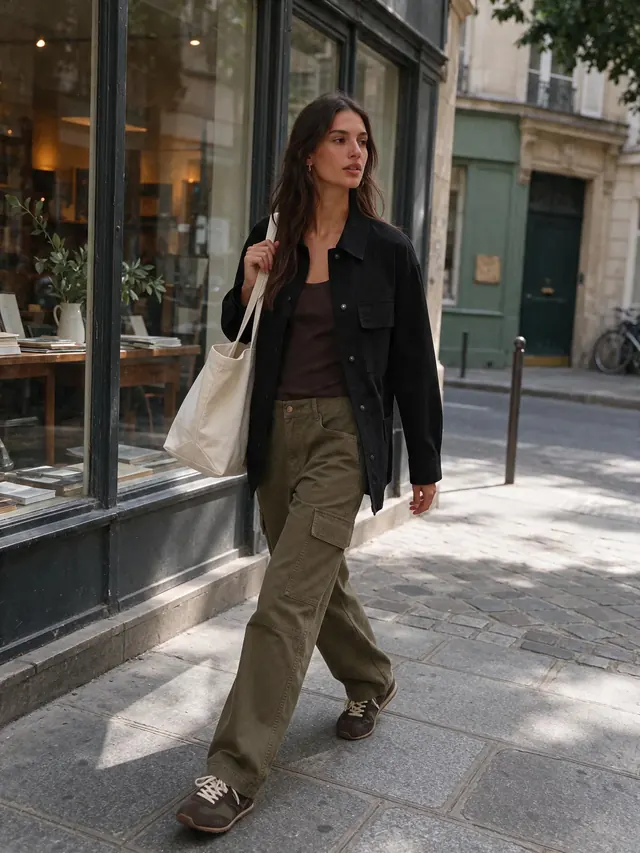
05 · Reference consistency
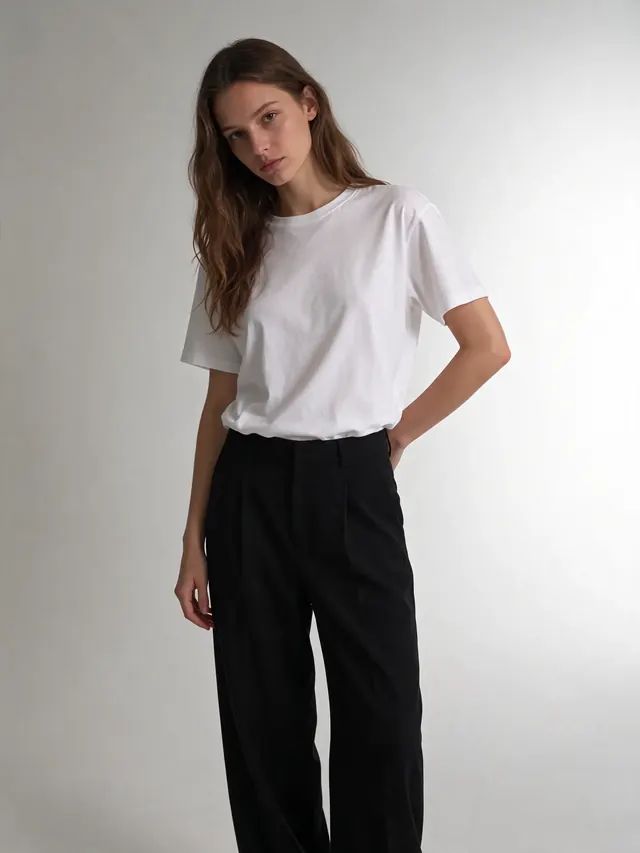
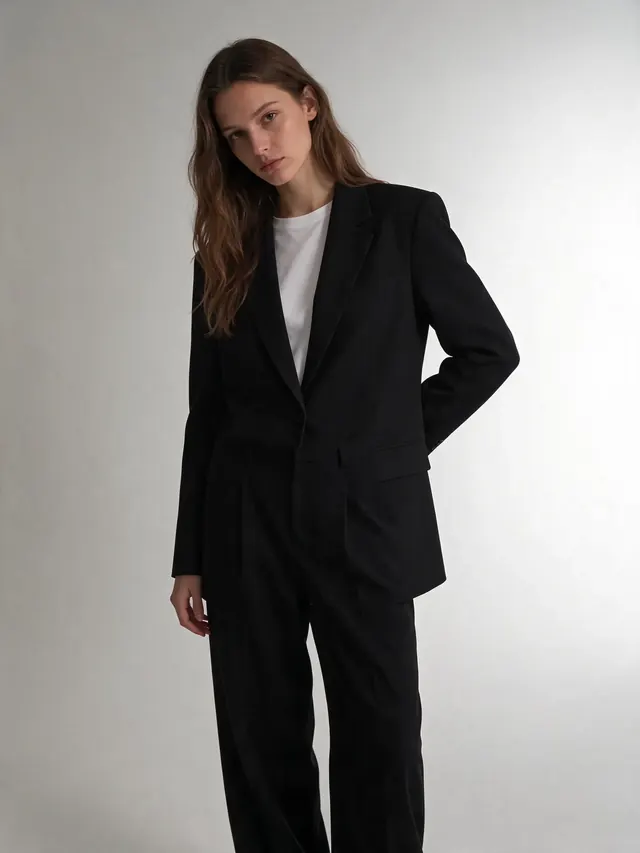
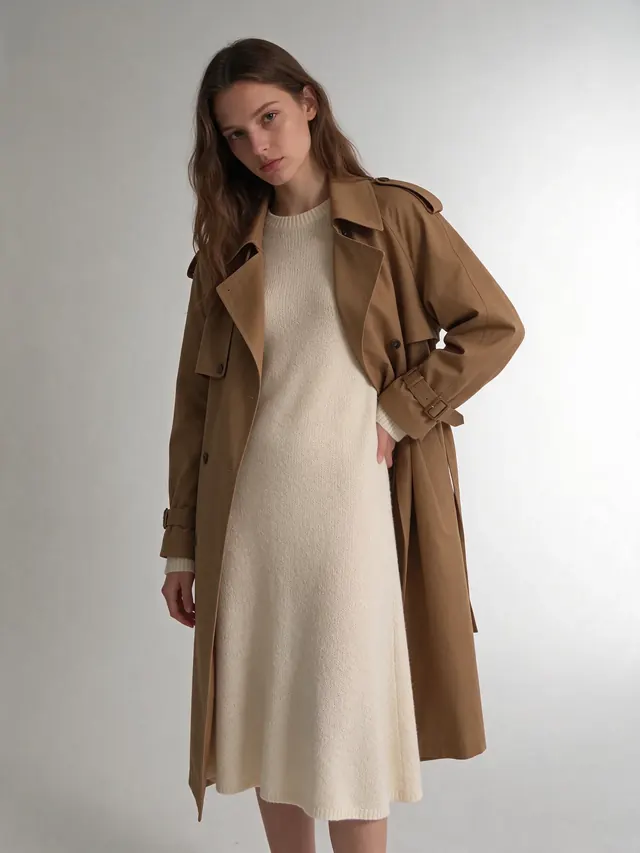
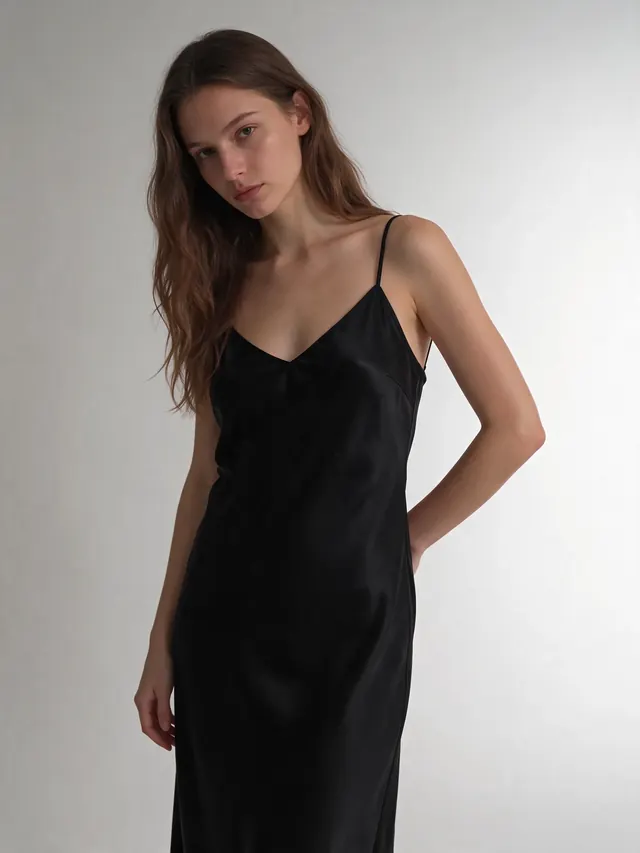
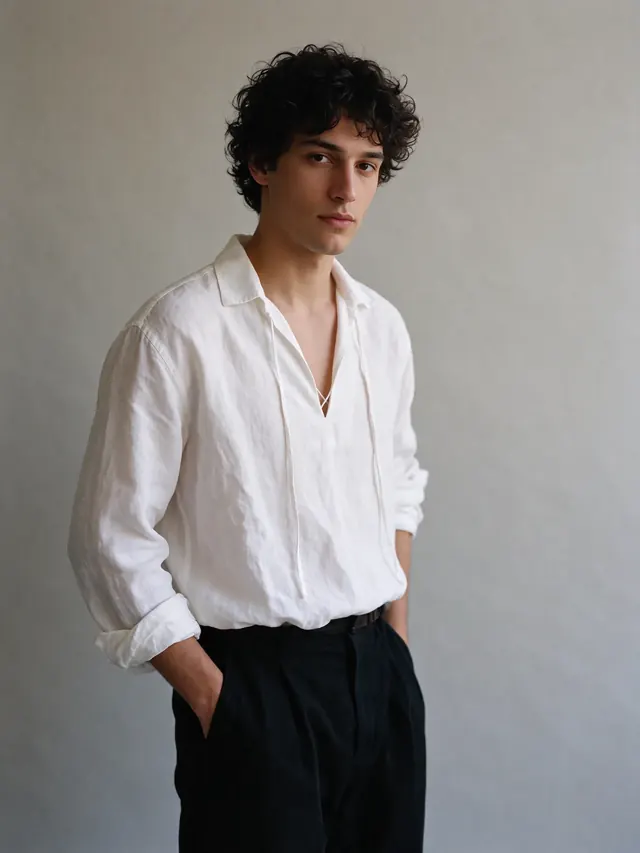
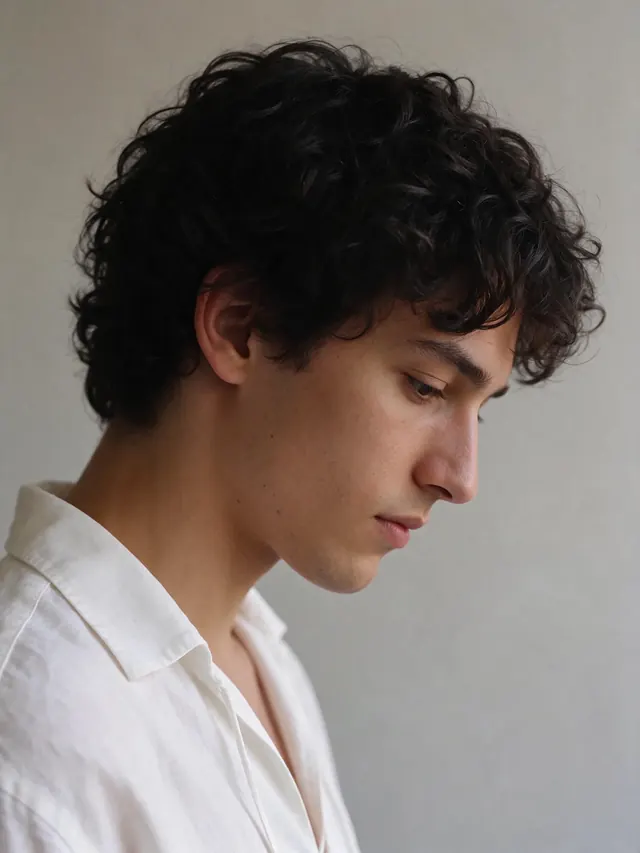
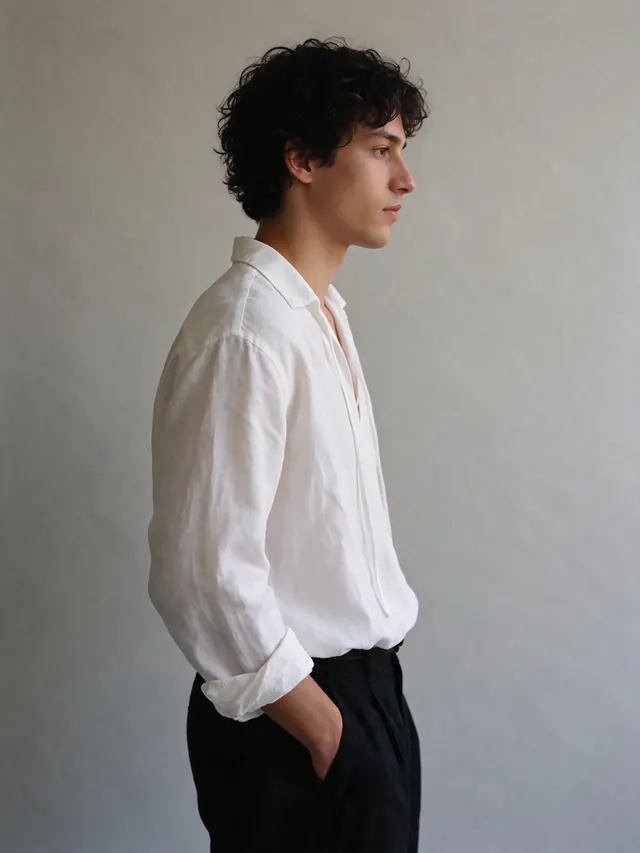
AvailableSame person, new outfit or angle
Upload up to 4 reference photos and describe the new outfit, angle or scene — the face, build and styling stay consistent.
Prompt gallery
Copy a prompt, make it yours
Ocean sticker set
A sticker sheet of six cute ocean-animal stickers, flat vector illustration, bold outlines, thick white die-cut border around each sticker, transparent background outside the stickers.
Chalkboard menu
Bistro menu on a chalkboard titled "TODAY AT LUMEN", six dishes with short descriptions and prices, small illustrated herbs in the corners, hand-lettered chalk style, all text legible.
Autumn park
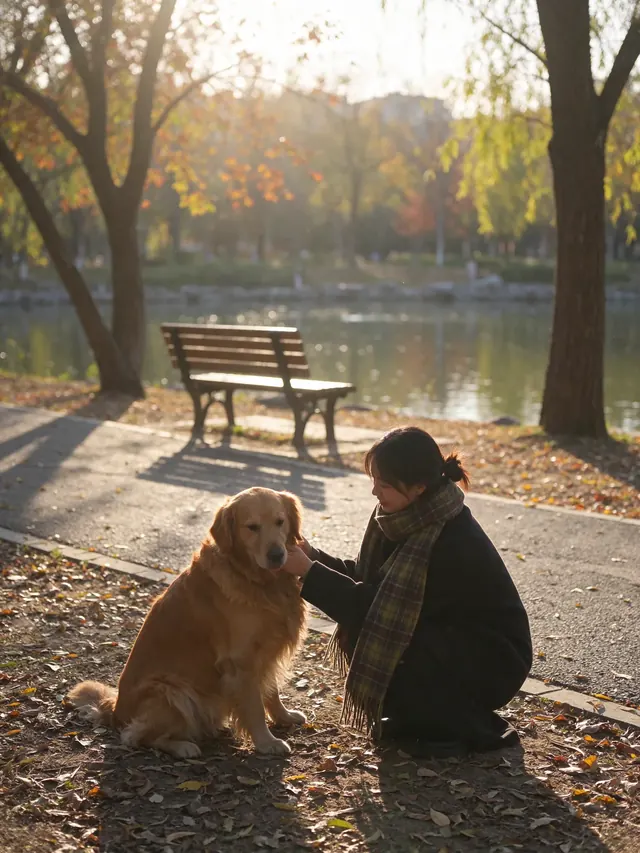
Warm autumn park at golden hour, a young woman in a plaid scarf crouches to pet a golden retriever on a path covered in orange leaves, backlit glow.
Studio headshot
Professional studio headshot of a woman in her 30s, charcoal blazer, warm genuine smile, soft key light, dark grey backdrop, natural skin texture.
Plush character set
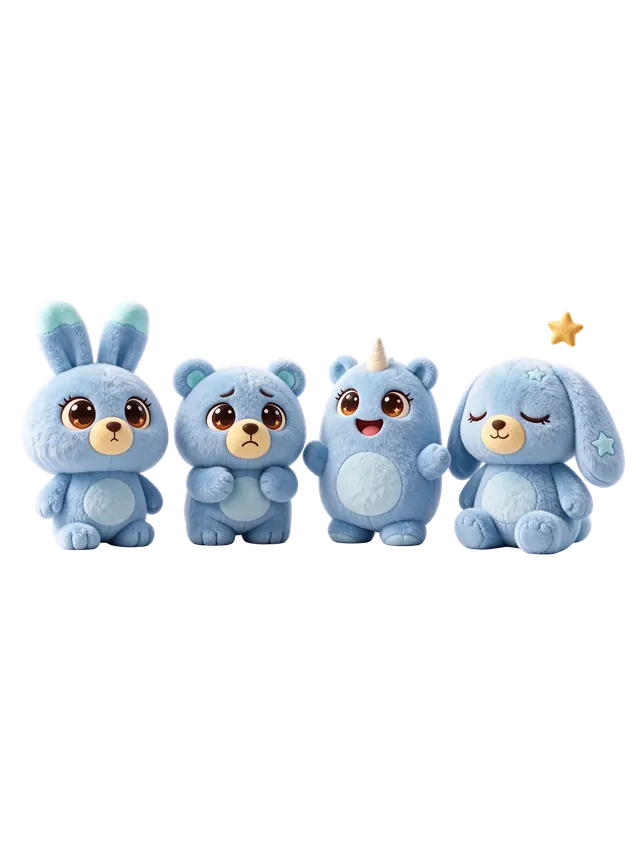
Cute 3D plush character set: four soft blue toy creatures with big eyes and short limbs, each a different shape and expression, transparent background.
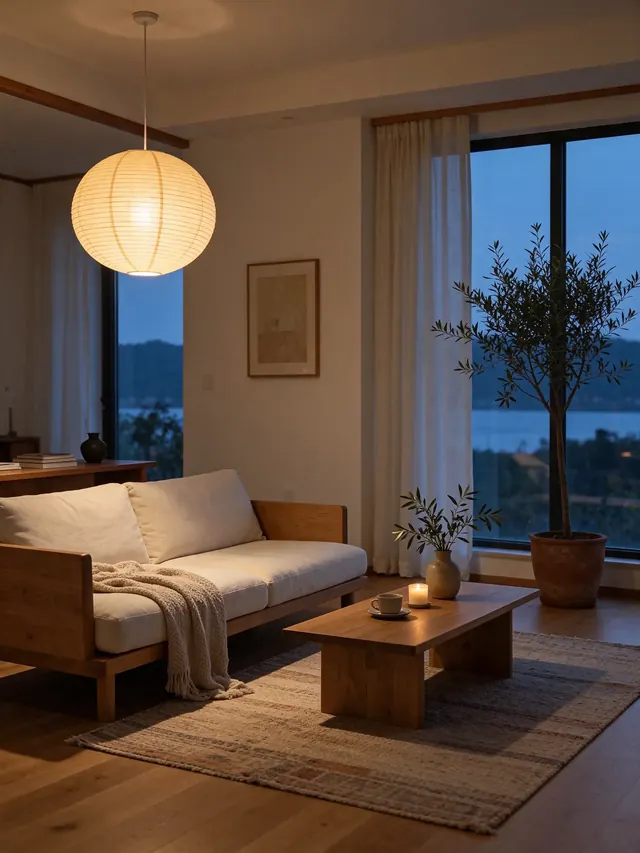
Japandi living room
Japandi living room at dusk: low oak-frame sofa, paper globe lamp glowing, olive tree in a pot, floor-to-ceiling windows, calm minimal interior photography.
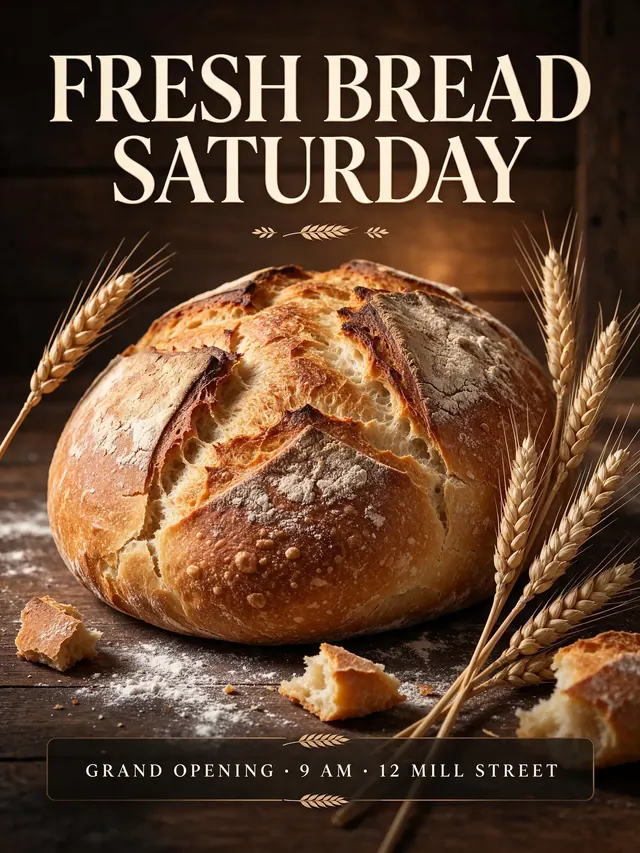
Bakery poster
Bakery grand-opening poster, serif headline "FRESH BREAD SATURDAY", golden sourdough loaf with wheat stalks, small line "GRAND OPENING · 9 AM · 12 MILL STREET".
Hot-pink editorial
Fashion editorial portrait, hot-pink wraparound sunglasses, gold hoop earrings and a satin hot-pink high-neck top against a matching backdrop, glossy studio light.
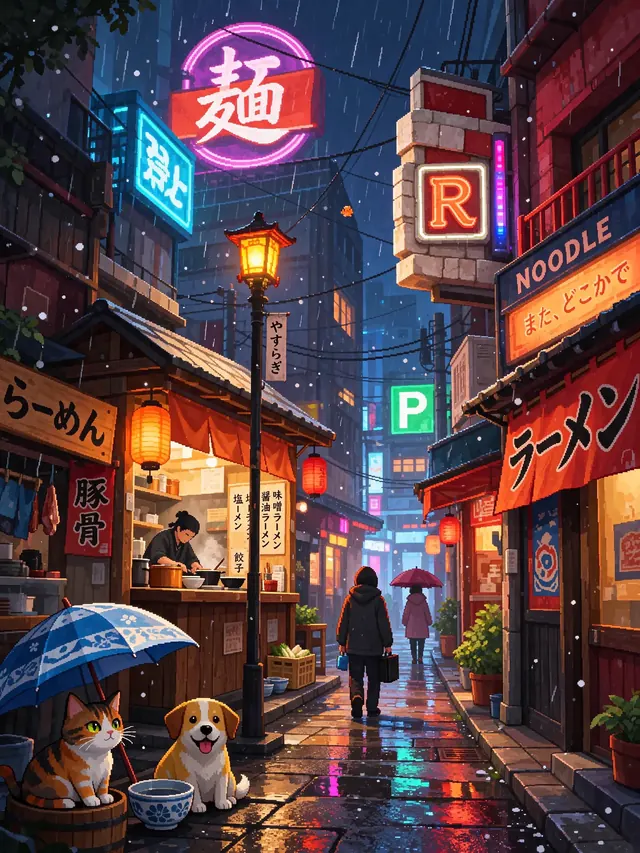
Pixel-art rainy street
Cozy pixel-art city street at night in the rain, neon signs, ramen stand, a cat under an umbrella, 32-bit style with rich lighting.
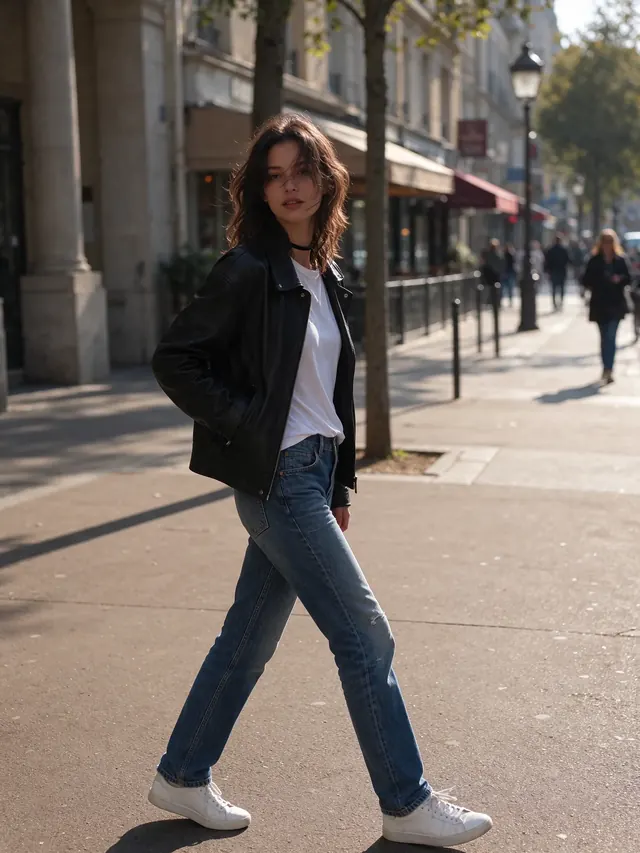
Street style
Street-style photo of a young woman in a black leather jacket, white t-shirt, straight blue jeans and white sneakers on a sunny city sidewalk.
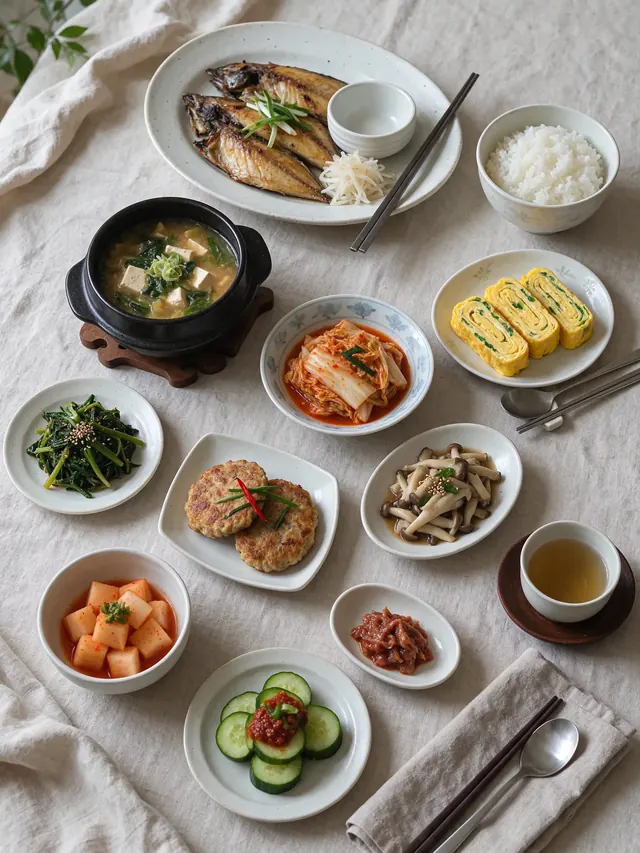
Breakfast spread
Overhead food photograph of a Korean breakfast spread on linen: rice, soup, kimchi, rolled omelette, grilled fish, small side dishes, natural window light.

Golden-hour beach
Smiling man in a loose white linen shirt on a beach at golden-hour sunset, waves behind him, warm backlight.
Prompt tips
How do I write good Seedream 5.5 prompts?
1
Start with the subject and layout
Then add style, light and camera. Example: “Bakery grand-opening poster, golden sourdough loaf with wheat stalks, serif headline at the top.”
2
Put every word that must appear in quotes
Seedream 5.5 spells quoted text far more reliably. Example: headline “FRESH BREAD SATURDAY”.
3
For a transparent PNG, describe one cut-out object
Say “isolated object, transparent background” and switch on Transparent.
4
When editing, change one thing per round
Example: “make the jacket black” — then click “Edit this image” for the next change.
How it works
How do I generate images with Seedream 5.5?
- 1
Describe it — or add images
Write what you want; put exact words in quotes. To edit, add up to 4 images and describe the change.
- 2
Pick the options
Transparent on or off, 1K / 1.5K / 2K, aspect ratio, 1–4 images.
- 3
Generate & download
Results usually arrive in seconds. Download the PNG; failed runs are refunded.
What you can do on SeedreamV55 today
| Capability | Credits per image | Status |
|---|---|---|
| Text to image (1K / 1.5K / 2K) | 20 (1K, 1.5K) · 27 (2K) | Available |
| Transparent background (RGBA PNG) | Same as above | Available |
| Image to image (up to 4 reference images) | +8 per reference image | Available |
| Multi-round editing | +8 per round (1 reference image) | Available |
Pricing
Simple credits, from $0.08 per image
Sign up free and get 5 images (1.5K). After that, a 1K or 1.5K image costs 20 credits and a 2K image 27 credits; each reference image in an edit adds 8. Failed generations are refunded automatically.
Lite
$9.9/mo
≈ 100 images/month (1.5K)
$0.099 per 1.5K image
Pro
$19.9/mo
≈ 240 images/month (1.5K)
$0.083 per 1.5K image
Credit packs
from $9.9
One-time, never expire
No subscription needed
Seedream 5.5 FAQ
Is Seedream 5.5 free on SeedreamV55? Do I need a credit card?
You can start free: sign up with email or Google and get 100 credits, enough for 5 images at 1.5K. No credit card is needed. After that, a 1K or 1.5K image costs 20 credits and a 2K image 27; plans start at $9.90 a month. Failed generations give their credits back.
See plans and credit packsDoes SeedreamV55 really use Seedream 5.5?
Yes. Every image is generated by ByteDance’s Seedream 5.5 (model ID bytedance/seedream/v5.5, for both text-to-image and editing). The examples on this page are its outputs, unedited apart from resizing, and transparent results download as real RGBA PNGs you can check in any image editor.
See transparent PNG examplesIs SeedreamV55 run by ByteDance?
No. SeedreamV55 is an independent product that runs the Seedream 5.5 model through a third-party API provider. We are not affiliated with, endorsed by, or sponsored by ByteDance or the Seedream team.
Can I use it on my phone?
Yes. SeedreamV55 works in mobile browsers such as Safari on iPhone and Chrome on Android. There is no app to install: you generate, edit and download images the same way as on a computer.
Do I need to download or install anything?
No. Everything runs in your web browser: no software, no app, no API key and no Discord. Sign in, type a prompt and download the PNG.
Where can I use Seedream 5.5 online?
ByteDance offers Seedream 5.5 in its own apps, such as Dreamina, and to developers through its API. SeedreamV55 is an independent website where you can use it in the browser, with 5 free images and no credit card.
When was Seedream 5.5 released?
ByteDance Seed released Seedream 5.5 on November 9, 2026 (2026-11-09). It is available now.
Release date detailsCan Seedream 5.5 make transparent PNGs?
Yes. Turn on "Transparent background" and the model returns a PNG with a native alpha channel, including soft and semi-transparent edges, so you do not need a separate background-removal step.
What resolutions can I generate?
Three sizes: 1K, 1.5K and 2K, with an aspect ratio of auto, 1:1, 4:3, 3:4, 16:9 or 9:16.
How do I edit an existing photo?
Add up to 4 photos (PNG, JPG or WebP, up to 10 MB each) in the generator, describe the one change you want, and generate. Click "Edit this image" under the result to make the next change. Each reference image adds 8 credits.
How photo editing worksCan I use the images commercially?
Our Terms of Service allow you to use images you generate, including commercially, provided your prompts and images do not infringe anyone else’s rights or break the law.
Why won’t it generate an image?
The usual causes are: not enough credits; a prompt or image that breaks our Acceptable Use Policy, which is blocked before any credits are used; an upload over 10 MB or in an unsupported format; or a temporary error from the model. Failed generations return their credits automatically, and retrying within a few minutes does not charge twice. If it keeps failing, email support@seedreamv55.com.
Acceptable Use PolicyHow does Seedream 5.5 compare with Midjourney or FLUX?
According to ByteDance, Seedream 5.5’s strengths are native transparent PNGs, readable small text and edits that stay stable over many rounds. Midjourney and FLUX each have their own styles and tools. We have not run a side-by-side test, so the fairest check is to try the same prompt in each.